
Integration
BNTouch
+
LendingPad

BNTouch is the CRM that fills LendingPad’s gap

LendingPad is the LOS. BNTouch is the CRM. Marketing automation, borrower nurture, TCPA-compliant texting, and 180+ mortgage campaigns connect to your LendingPad loan pipeline.

How the integration works

Step 01

Connect via API

BNTouch connects to LendingPad through API integration. Credentials exchanged via secure channel. One-time setup.

Step 02

Map loan lifecycle events

LendingPad loan events map into BNTouch triggers: app received, processing stages, close, funded. Each event can fire a BNTouch workflow.

Step 03

CRM and LOS work together

LendingPad handles loan origination. BNTouch handles borrower relationships, marketing, and compliance. Data flows between them.

What syncs between BNTouch and LendingPad

  • Borrower contacts: BNTouch → LendingPad when loan application starts
  • Application data: BNTouch digital 1003 feeds LendingPad loan file
  • Loan stage events: LendingPad → BNTouch for processing, underwriting, clear-to-close, funded
  • Document upload notifications: LendingPad → BNTouch when borrower documents are uploaded
  • Close and fund triggers: LendingPad → BNTouch to activate post-close nurture sequences
  • Pipeline status: LendingPad loan pipeline visible in BNTouch manager dashboards

What you get

Marketing your LOS doesn’t do

LendingPad is an LOS, not a CRM. BNTouch fills the marketing, nurture, and relationship-management gap with 400+ pre-built mortgage campaigns.

TCPA-compliant texting

BNTouch’s TCPA framework handles texting for LendingPad borrowers: consent capture, opt-out automation, audit trail.

Real-time loan visibility in CRM

Your team sees loan stage and milestone events in BNTouch without logging into LendingPad.

Automated post-close nurture

Funded loans in LendingPad trigger BNTouch’s 5-year post-close drip automatically.

Setup process

  1. API setup: LendingPad API credentials exchanged with BNTouch via encrypted channel. No credentials shared over email.
  2. Event mapping: LendingPad loan lifecycle events mapped to BNTouch triggers. Default mapping covers standard milestones.
  3. Test in staging: Integration validated in LendingPad staging environment. Data flow and field mapping reviewed before production.
  4. Production activation: Flip integration to production. Monitor closely for 24-48 hours.
  5. Ongoing maintenance: BNTouch monitors LendingPad API and updates the integration as needed.

Frequently Asked Questions

Is LendingPad a competitor of BNTouch?

No. LendingPad is a loan origination system (LOS); BNTouch is a mortgage CRM. They solve different problems and are designed to work together.

How is BNTouch + LendingPad different from just using LendingPad?

LendingPad handles loan origination and processing. BNTouch adds marketing automation, borrower nurture, TCPA-compliant texting, mortgage website builder, and 400+ pre-built mortgage campaigns.

How long does setup take?

Typical setup 2-4 hours for standard event mapping. Custom workflows extend to 4-8 hours. White Glove Service handles end-to-end.

Is there a fee for the LendingPad integration?

Integration is included in BNTouch plans. No separate per-integration fee.

Can we migrate from another LOS to LendingPad while keeping BNTouch?

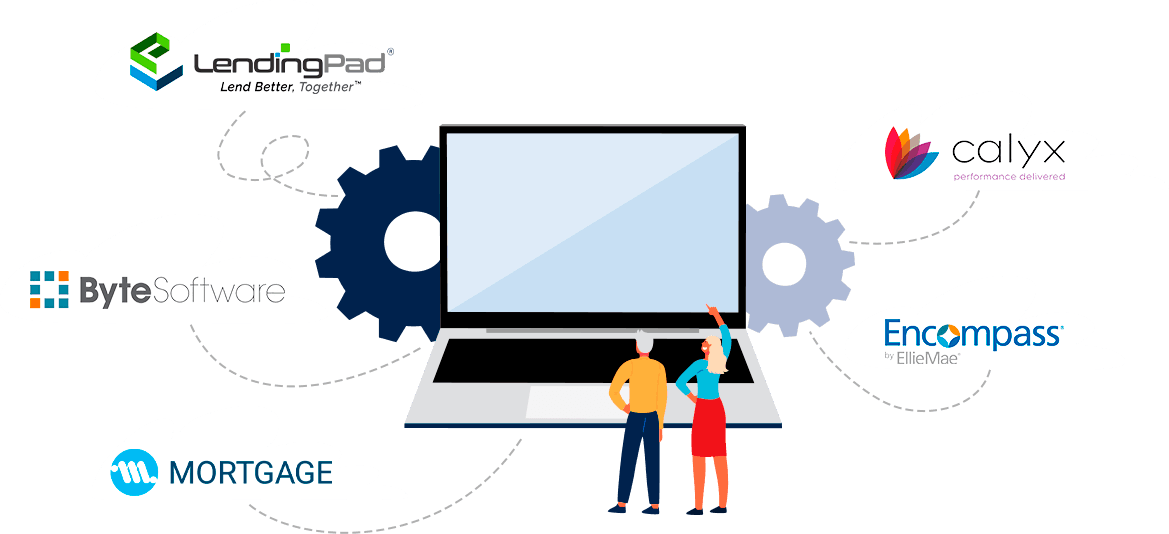
Yes. BNTouch is LOS-agnostic and supports Encompass, Calyx, BytePro, and LendingPad. LOS transition doesn’t require CRM change.

See BNTouch + LendingPad in action

Book a 30-minute demo. We’ll show the API integration, event mapping, and automated workflows between LendingPad and BNTouch.

Request Your BNTouch Demo

Related comparisons & integrations

Compare BNTouch to other CRMs:

LOS Integrations:

→ See the full comparison: Best Mortgage CRM 2026