Summary
This article introduces the new click-to-text functionality in mortgage CRM systems. Learn about the benefits of this feature and how to use it to enhance communication with clients. By the end, you’ll know how to implement click-to-text to improve client engagement and streamline communication processes.
Did you know that Texting has by far the best engagement rate of any marketing medium? Whereas emails can sit unread for days, text messages are almost always read, and read immediately.
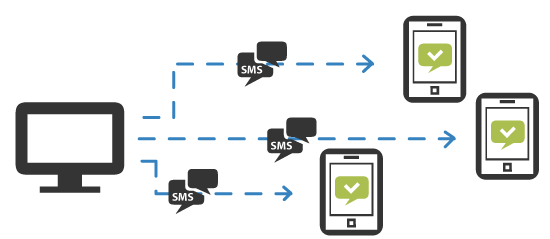
BNTouch Voice users are now able to send SMS/text messages as an individual real-time texts as well as a part of any marketing campaign. To send a quick text, please visit any record in your database and click ‘Send SMS’ button.

Please don’t hesitate to contact us should you have any questions or suggestions.
Reach us via email info@bntouchmortgage.com or via phone 888-971-1117
Thank you and let’s bntouch!
Best Regards,
BNTouch Team
Key Takeaways
- Streamline Communication
Click-to-text functionality simplifies the process of sending messages to clients directly from the CRM.
- Enhance Client Engagement
Quick and efficient texting can lead to more timely and personalized interactions with clients.
- Improve Workflow Efficiency
Integrating click-to-text reduces the need for external messaging platforms, consolidating communication within the CRM.
Commonly Asked Questions
- What is the benefit of click-to-text functionality in a CRM?
It streamlines communication by allowing direct messaging to clients from the CRM.
- How does click-to-text enhance client engagement?
By enabling quick and personalized interactions through efficient texting.
- Why is integrating click-to-text important for workflow efficiency?
It consolidates communication within the CRM, reducing reliance on external platforms.
- What is a key feature of the new click-to-text functionality?
The ability to send messages directly from the CRM system.
Related Articles
Review a Mortgage Workflow
Use a BNTouch demo to inspect the record context, workflow steps, and review questions that matter to your team.