Mortgage CRM vs. LOS for Loan Officers: What Each System Should Own
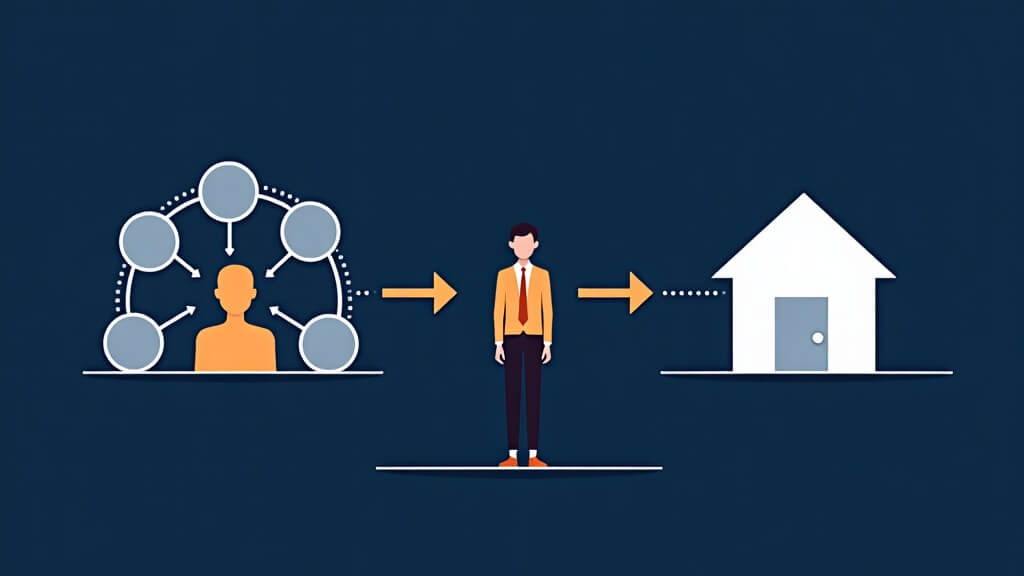
Text-free editorial illustration showing a loan officer using separate but connected mortgage CRM relationship and loan origination system workflows.
Short answer: A mortgage CRM and a loan origination system serve different jobs. The CRM is usually where a loan officer manages relationships, follow-up, referrals, marketing context, and next actions. The LOS is usually where the loan file and origination process are managed. The important question is not which system is “better”; it is which system owns each piece of information and how the handoff is checked.
Confusion starts when teams use one system as a substitute for the other without defining the boundary. That can create duplicate records, unclear ownership, and follow-up that is disconnected from the real loan process. A clean system map makes the borrower, partner, and team experience easier to understand.
Define system ownership before discussing a connection
Work area
CRM question
LOS question
Relationship context
Who owns the borrower or partner relationship, and what prior interaction matters?
Which loan-file details are required for the origination process?
Follow-up
Where is the next conversation or task documented?
Which process event changes the borrower’s loan-file status?
Marketing and source attribution
How did the relationship begin, and who is responsible for the next step?
Which loan-file facts should not be duplicated into marketing records?
Document and milestone work
What relationship-facing context needs visibility?
Which records are the source of truth for loan documentation and process milestones?
Exceptions
How does the team handle a duplicate, unclear owner, or stale relationship record?
How does the team investigate a mismatch in file data or timing?
See this in a live workflow: Bring one a CRM-and-LOS ownership decision to a BNTouch demo. Ask how your team could preserve relationship context, assign an accountable owner, and surface the required next action or exception. Confirm current configuration and plan scope in the demonstration.
Questions to test before launch
Choose one test borrower record and identify the primary source of truth for each required field.
Walk through a new inquiry, an active file, and a post-close relationship without assuming the same workflow fits all three.
Define what happens when data is late, missing, duplicated, or disputed.
Identify who can correct each system and who owns a handoff failure.
Confirm that the team can explain the workflow without relying on hidden assumptions.
Keep integration claims specific
“Integrates with” is not enough for a buyer to evaluate a workflow. A useful technical discussion identifies the account prerequisites, data objects, direction of movement, timing, exclusions, setup owner, and failure path. Those details should be documented and verified for the connection being considered.
Next step: Make a one-page list of the relationship, loan-file, marketing, and exception data your team uses today. Bring it to a BNTouch product consultation and ask for a workflow discussion based on the facts you need to verify.
Questions loan officers ask
What should a mortgage CRM own compared with an LOS?
The answer depends on the workflow, but teams commonly use a CRM for relationship context, communication, follow-up, and marketing workflow while using the LOS for loan origination data and operational processing. Document the source of truth for each field.
Can a CRM replace a loan origination system?
Do not assume it can. Evaluate the exact origination, disclosure, underwriting, processing, and reporting responsibilities the team requires, then confirm the role of each system in a live workflow.
Use a record-and-event test to define CRM and LOS ownership
The CRM-versus-LOS decision gets clearer when the team tests a real record. Pick one borrower record, one loan-stage update, one communication event, and one post-close follow-up. Then document which system is the source for each event, where the loan officer sees it, and who owns an exception.
The Daily Dashboard walkthrough is visual evidence for tasks, status-driven workflow, tracker notes, and record-linked activity. It does not make the CRM a replacement for the loan-file system, underwriting process, or loan-operations judgment.