Mortgage CRM Integration Test Plan: The Records, Events, and Exceptions to Validate
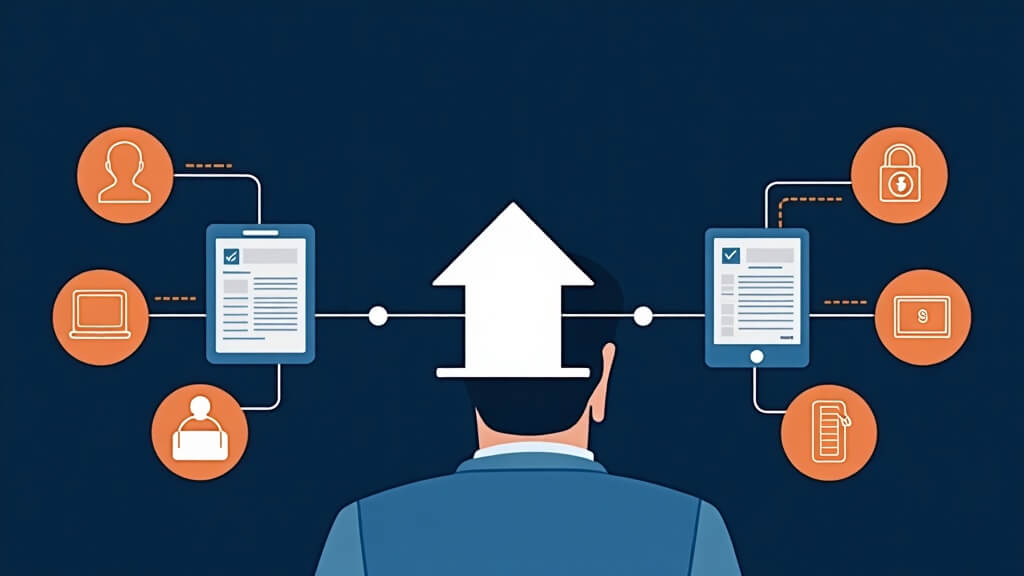
Text-free editorial illustration of a loan officer testing connected mortgage systems with record, event, exception, and verification checkpoints.
Short answer: A mortgage CRM integration should be tested as a business workflow, not merely a technical connection. The team needs to validate the starting record, source of truth, data movement, timing, ownership, permissions, duplicate behavior, and exception path before relying on the connection in live borrower or partner work.
“Connected” does not explain what happens when a record is incomplete, two systems disagree, an event arrives late, or the accountable person cannot see the information they need. A short written test plan makes those questions visible before they become customer-facing problems.
Build the test plan around observable behavior
Test area
Question
Expected evidence
Starting record
Which system creates the record, and what identifier ties it to the other system?
A masked test record and documented owner.
Field ownership
Which system is authoritative for each critical field?
A field map with source, destination, and correction path.
Event timing
What action is expected to move information, and when should a user check it?
A test log with event time and observed result.
Duplicate behavior
What happens when a matching or conflicting record already exists?
A documented pause, merge, or escalation rule.
Exception handling
Who investigates a missing, incorrect, or delayed outcome?
A named owner and support escalation path.
See this in a live workflow: Bring one an integration test plan to a BNTouch demo. Ask how your team could preserve relationship context, assign an accountable owner, and surface the required next action or exception. Confirm current configuration and plan scope in the demonstration.
Run the test before launch
Use masked or training data and make the test purpose clear to everyone involved.
Test the normal path first, then test an incomplete record and an unavailable-owner scenario.
Compare what each user sees against the documented source of truth.
Record the result, exception, and correction owner rather than relying on memory.
Repeat the test after a meaningful configuration or process change.
Ask for specific integration documentation
Before describing a connection publicly or making it a buying decision, ask for the exact supported connection name, prerequisite accounts, data objects, direction of movement, timing expectations, known exclusions, setup owner, and support boundary. Those facts protect both the buyer and the team that will operate the workflow.
Next step: Pick one critical system handoff and write the normal path, duplicate path, missing-data path, and escalation owner. Bring that plan to a BNTouch product consultation when you need to evaluate a workflow against the documentation available.
Questions loan officers ask
What should a mortgage CRM integration test plan cover?
Test a normal record, an incomplete record, duplicate matching, late or changed data, an unavailable owner, and a failed or delayed event. Record the expected source, destination, timestamp, owner, and recovery step for each case.
When is an integration ready for daily use?
It is ready after the team has validated the required fields and events in the workflow it will use, assigned owners for exceptions, and documented what happens when the data is late, missing, or conflicting.
Do not approve an integration because a logo appears on an integrations page. Test the mortgage events that matter to your team: a borrower or contact update, a digital application or relevant handoff, a loan-status milestone, a document event, and a funded-loan event.
For the published BNTouch Encompass workflow, the stated areas to verify include borrower or contact information, digital 1003 data, loan-status updates, document events, conditions or stipulations, and closing or funding events. In a demo, record the direction of each event, the fields checked, when the update appears, the exception owner, and the person who approved the test.