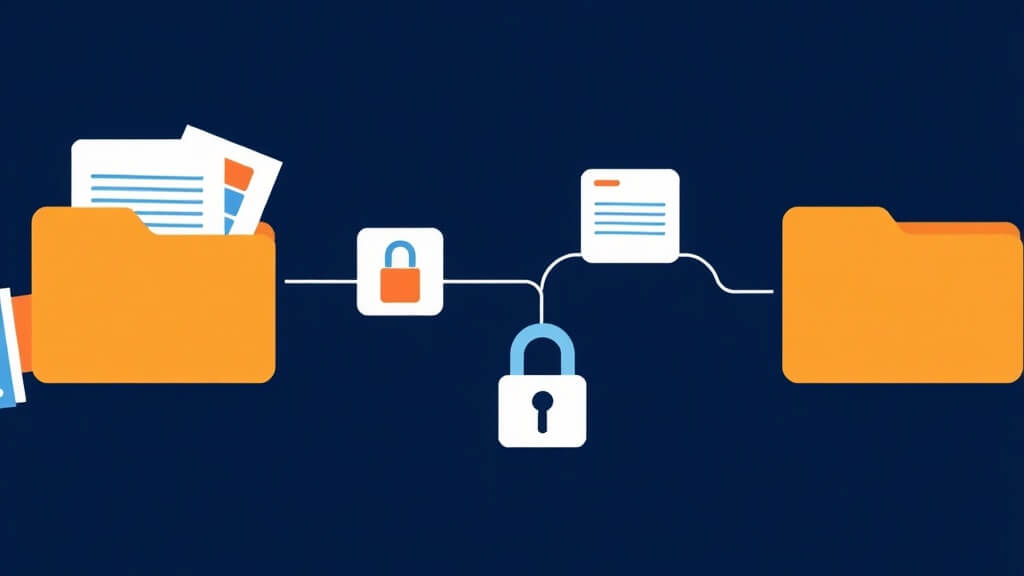
Short answer: A mortgage CRM data migration field inventory is a working list of the records and fields a team intends to move, why each one matters, where it comes from, where it should land, who resolves conflicts, and how the result will be tested. It should be built before an import is attempted, not after the team notices missing history.
The inventory keeps a migration from turning into a vague request to “move everything.” Loan officers usually need a smaller, clearer list: identity and contact methods, relationship owner, lead source, current stage, meaningful activity, consent or preference status where applicable, and the fields that drive next actions or reporting.
The field-inventory template
| Column |
Question it answers |
Example of a usable entry |
| Business purpose |
What decision or workflow needs this field? |
Used to assign follow-up ownership. |
| Current source |
Where is the authoritative value today? |
Named system and record location. |
| Destination |
Where should the field be stored or displayed? |
Specific record type or workflow context. |
| Migration owner |
Who can explain a conflict or approve exclusion? |
Role with authority to decide. |
| Retention question |
Does the organization need this information, and for how long? |
Policy or counsel-review reference. |
| Acceptance test |
How will the team know the value arrived correctly? |
Anonymized sample record and expected result. |
Separate three kinds of fields
First, list workflow fields that trigger assignment, tasks, or reporting. Second, list historical fields that give a user necessary context but should not drive automation. Third, list fields that must be reviewed for retention, access, or policy reasons before they move. This separation is more useful than ranking fields by how often someone says they use them.
Run a record-level acceptance test
Use anonymized test records that cover a standard contact, a duplicate, an incomplete record, and a record with recent activity. Confirm the destination values, timestamps, owner, and exception path. The Data Ownership Checklist helps define the system of record, while the CRM Go-Live Test covers observable proof before launch.
What this inventory does not decide
This template is not a retention policy, a security assessment, or a claim that an import is available in a particular product. It is an operating artifact that exposes questions for the right owners to resolve before a migration affects active borrower or partner workflows.
Next step: Bring a representative export and one intended workflow to a BNTouch product consultation. Build the field inventory first, then decide what should be tested, excluded, or escalated.
Sources and further reading